← Explore the platform
05 / ANALYZE
The client asks why. Look beyond the table.
Ask the Data Analyst to compare groups, find themes in open answers and show the responses behind a finding.
Request a demo
01
Plan the analysis early.
Work with the Plan assistant before responses arrive. Decide what to measure, which groups to compare and how to weight the results.
02
Read the numbers and the reasons.
Compare crosstabs, bases and significance. Ask for themes in open answers, how often they appear and quotes from the group you’re studying.
03
Follow the answer to its source.
Open response citations, transcripts and recordings. Attach a prior study or other data to explore where the findings agree or differ.
TAKE A CLOSER LOOK
A few things worth a closer look.
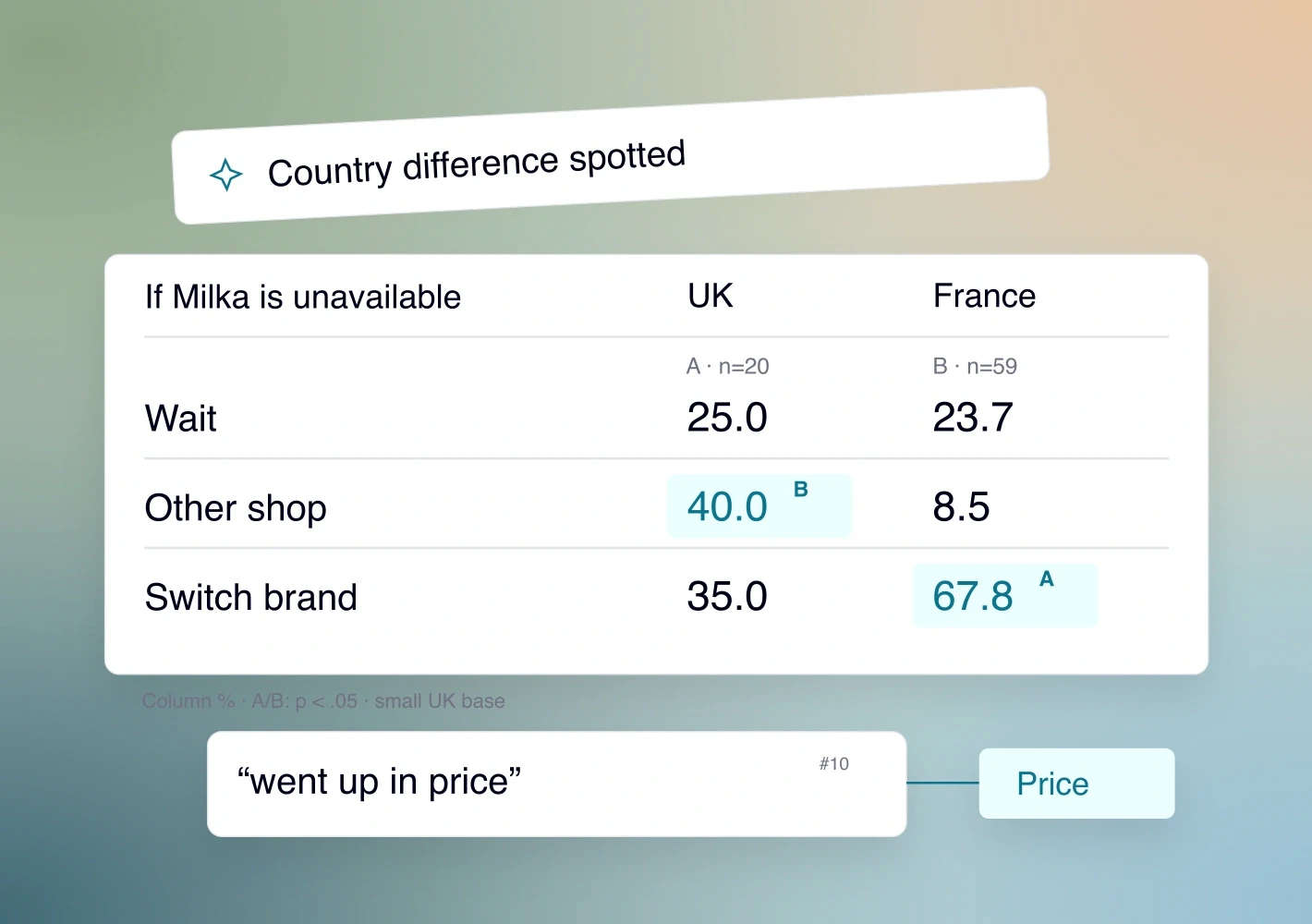
Crosstabs, with the bases visible
Compare counts, percentages and significance. Check raw and weighted bases before drawing conclusions about a small group.
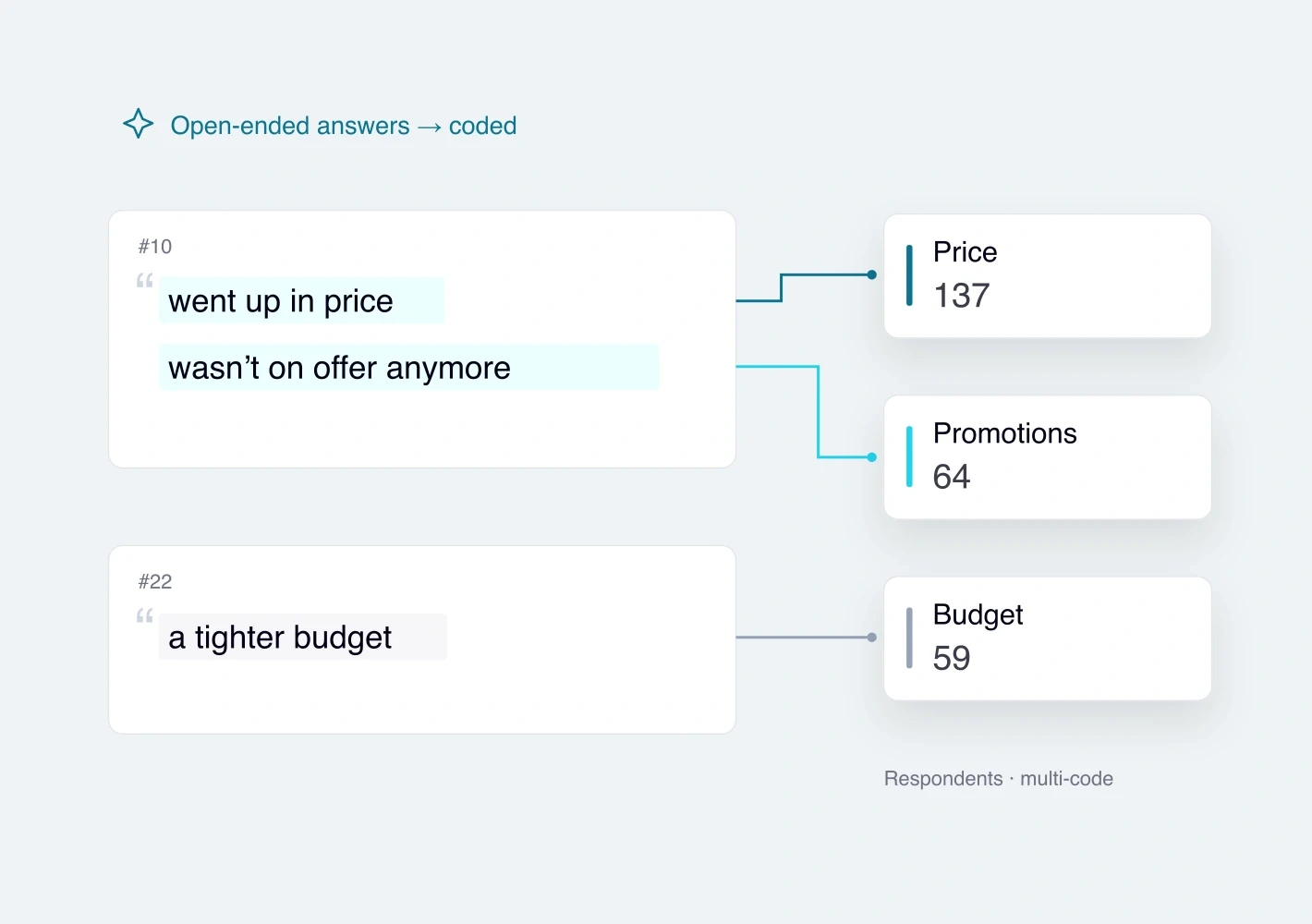
Themes from open answers
Find themes, compare groups and read the source answers. One response can contain several themes, so check the base.
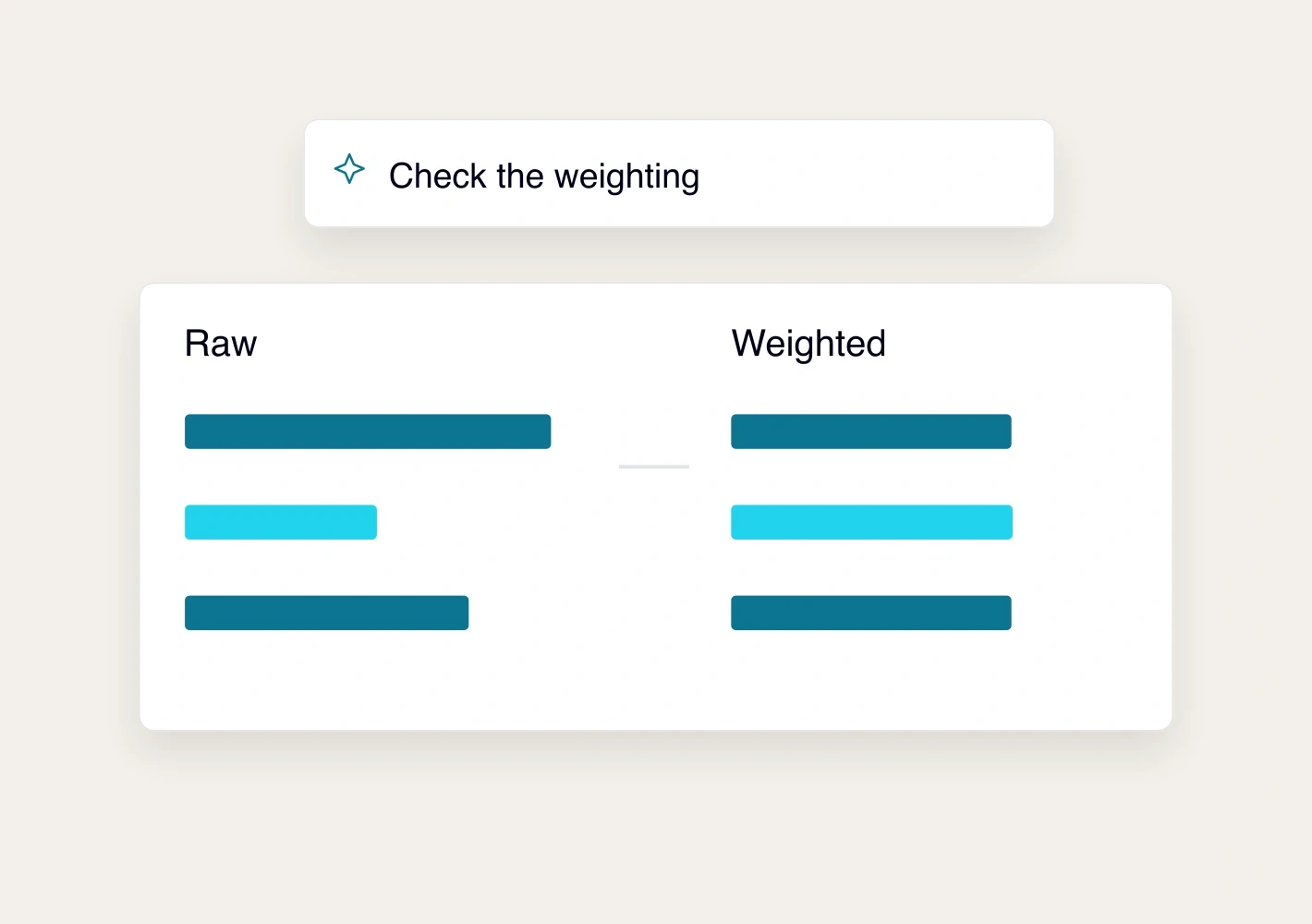
Inspect the weighting
Use target proportions or manual weights, including nested targets. Check efficiency, weight ranges, missing cells and convergence.

Ask a question about the data
Request comparisons, explanations or quotes. Open the citations and reasoning. Refine the question in the same conversation.
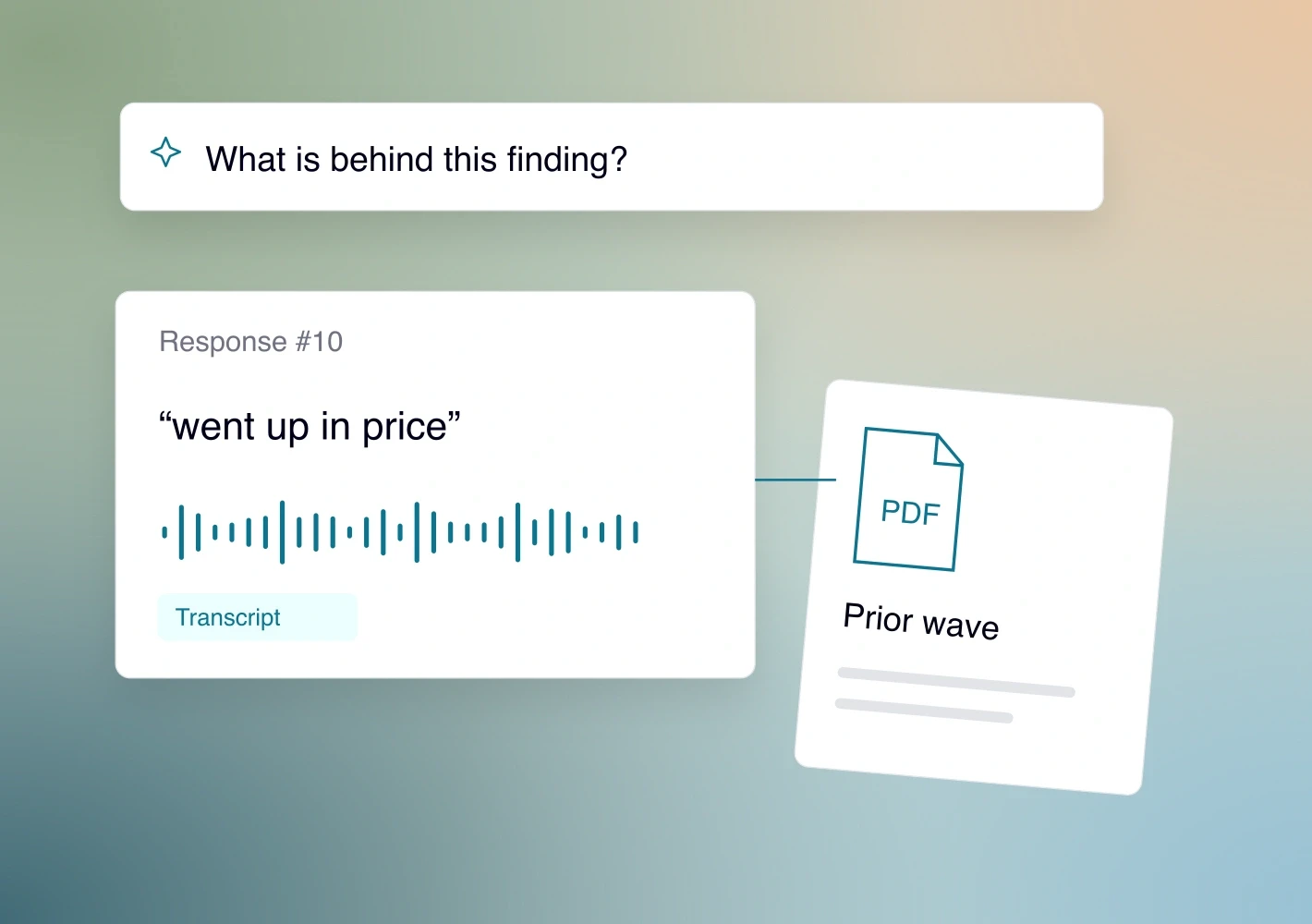
Bring in other sources
Attach a brief, codeframe, prior wave or table as PDF, Word, text, CSV or Excel. Say which sources to compare.
Save the charts you need
Edit breakdowns and filters, save charts and organize folders. Use the checked folder to present findings or build slides.
See it with your study.
Request a demo