← Explore the platform
06 / PRESENT
Turn the findings into a clear story.
The client debrief is tomorrow. Start with checked charts, agree the story and build a deck you can still change.
Request a demo
01
Agree the story first.
Give the assistant a chart folder and the decision the client needs to make. Review its plan for each slide before it builds the deck.
02
Edit the whole deck.
Move between slides, change layouts and add charts. Select a slide or block and ask the assistant for a specific change.
03
Work through the feedback.
Attach comments to slides. Ask AI to handle selected comments, check its edits and export the saved deck as editable PowerPoint.
TAKE A CLOSER LOOK
A few things worth a closer look.

Start from checked charts
Choose the chart folder for the deck. The assistant works from the findings you selected.
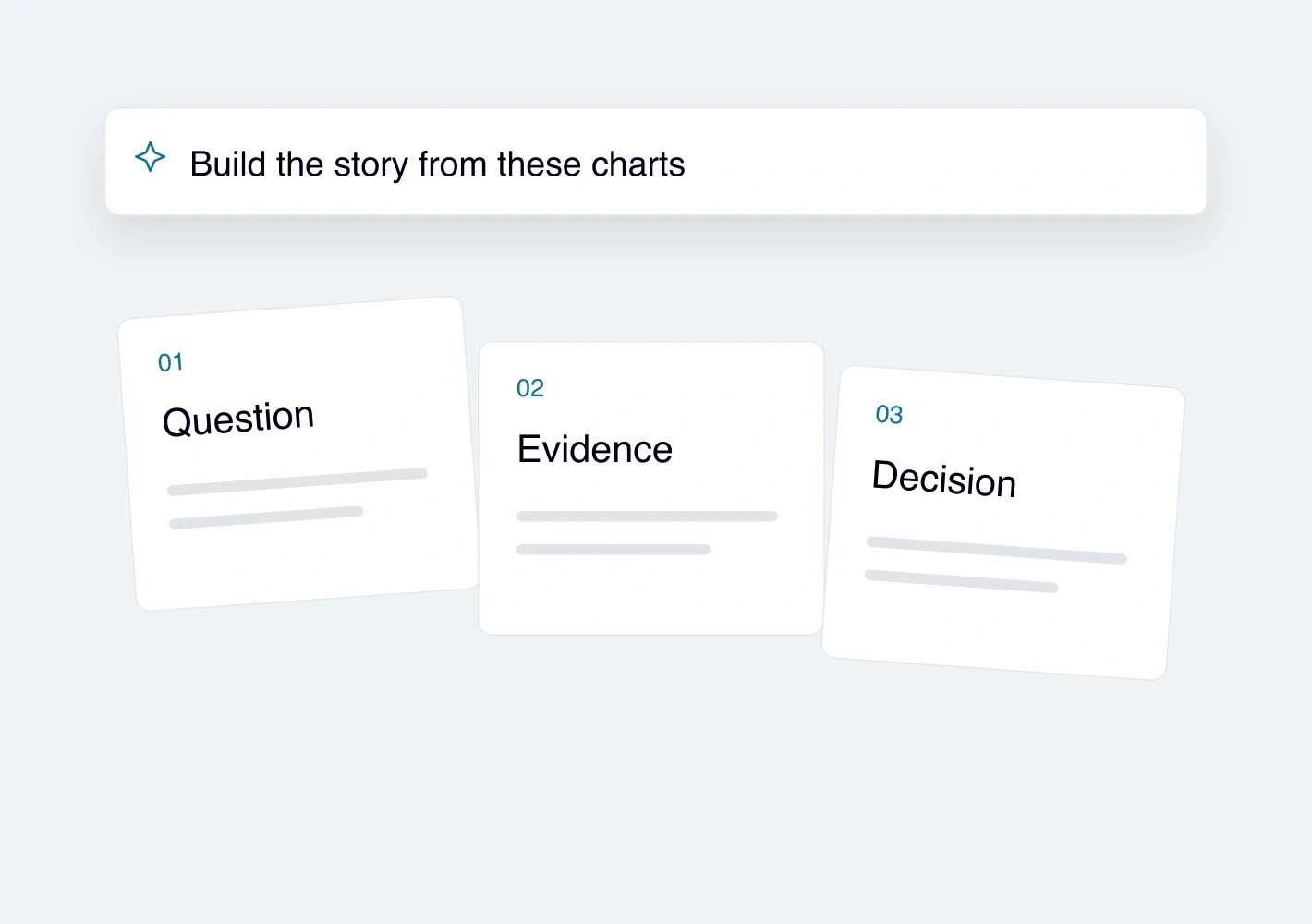
Review the plan before the deck
Discuss the proposed storyline in chat. Change the order, audience or emphasis before the slides are built.
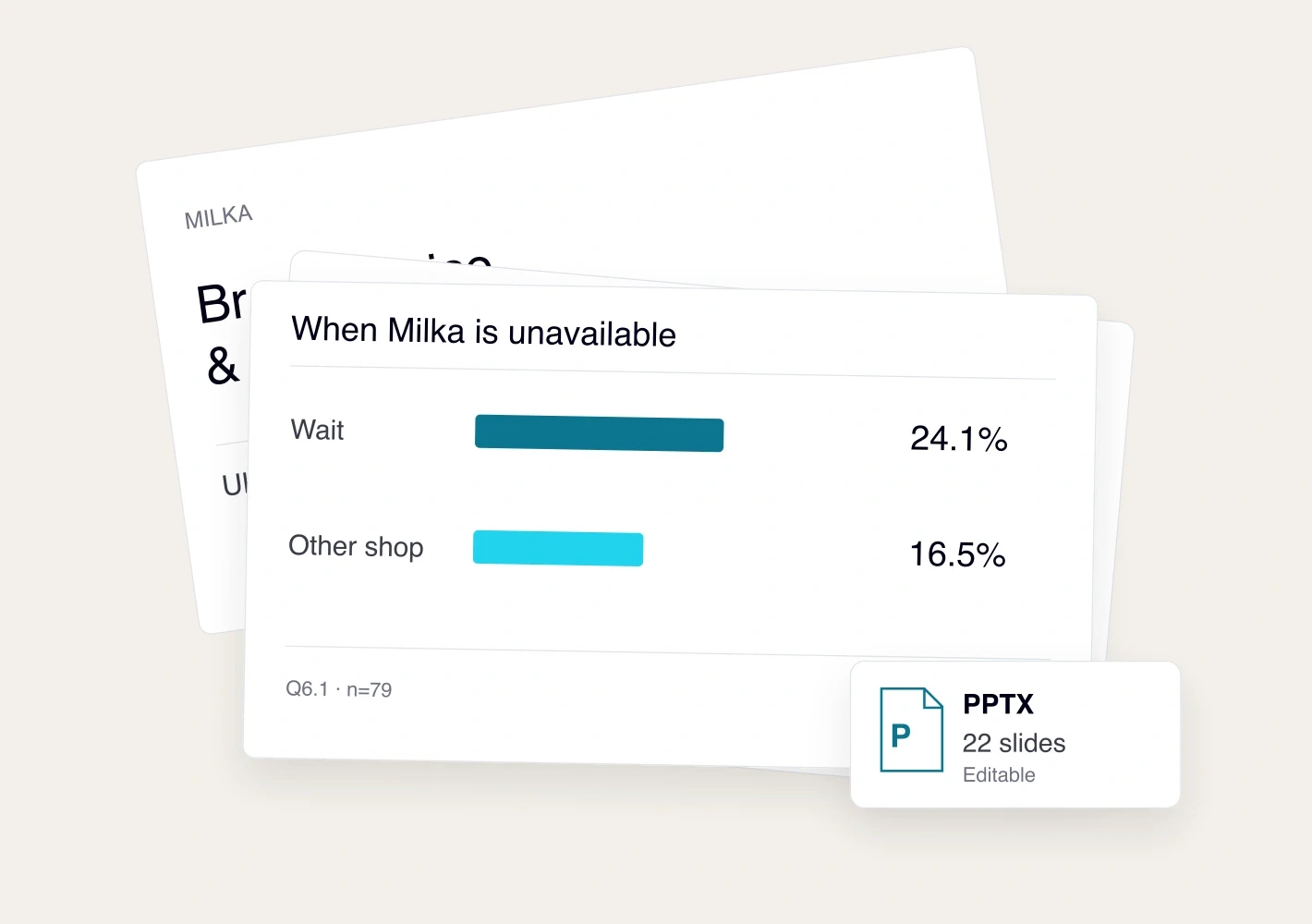
See the whole story
Use the filmstrip to move through the deck. Check how each slide supports the next.

Change a slide or one part of it
Edit directly or select an element and Ask AI. Change text, layouts, charts and quotes while checking the claim.
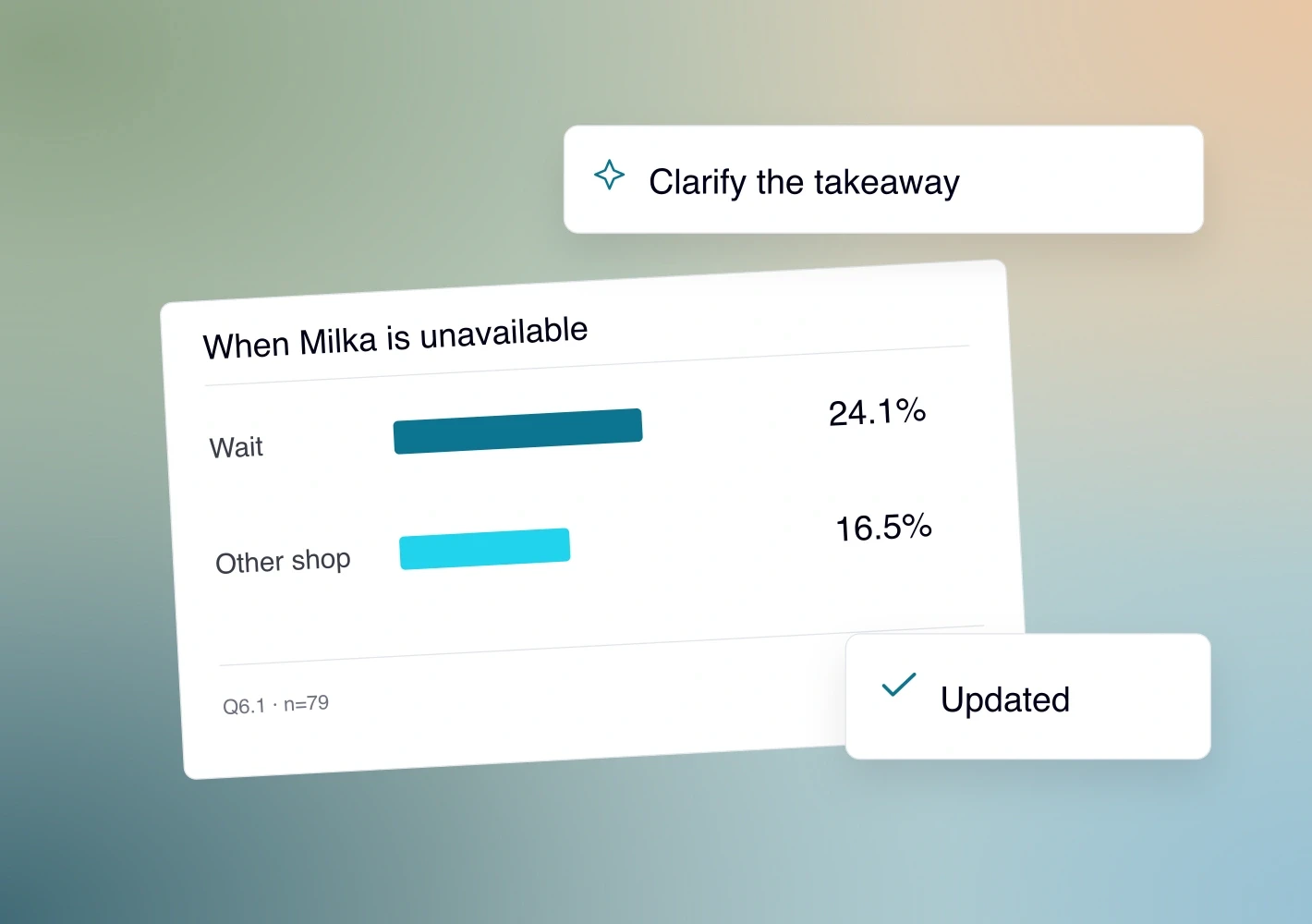
Keep comments with the slides
Attach feedback to the relevant slide or block. Ask AI to process selected comments, then review and save the changes.
Export an editable PowerPoint
Save and export the deck. If fieldwork is still running, check that the charts and written claims use the same data.
See it with your study.
Request a demo