← Explore the platform
04 / FIELDWORK
See where your study stands.
One quota cell is filling slowly. Another is full. See the sample, provider outcomes and incoming answers without another status spreadsheet.
Request a demo
01
Find the gaps in the sample.
Set targets and limits for each quota cell. Use DeepField recruitment or your own panels, and see which groups still need responses.
02
Ask what the first answer missed.
Let people answer by voice, video or text. Give the AI moderator a follow-up goal and a limit of up to five questions.
03
Follow the field as it happens.
Check quotas, provider outcomes and live charts. Open individual responses when you want to understand a pattern.
TAKE A CLOSER LOOK
A few things worth a closer look.

Choose how to recruit
Set panel targets and screening. Use DeepField recruitment or your own providers alongside the questionnaire.
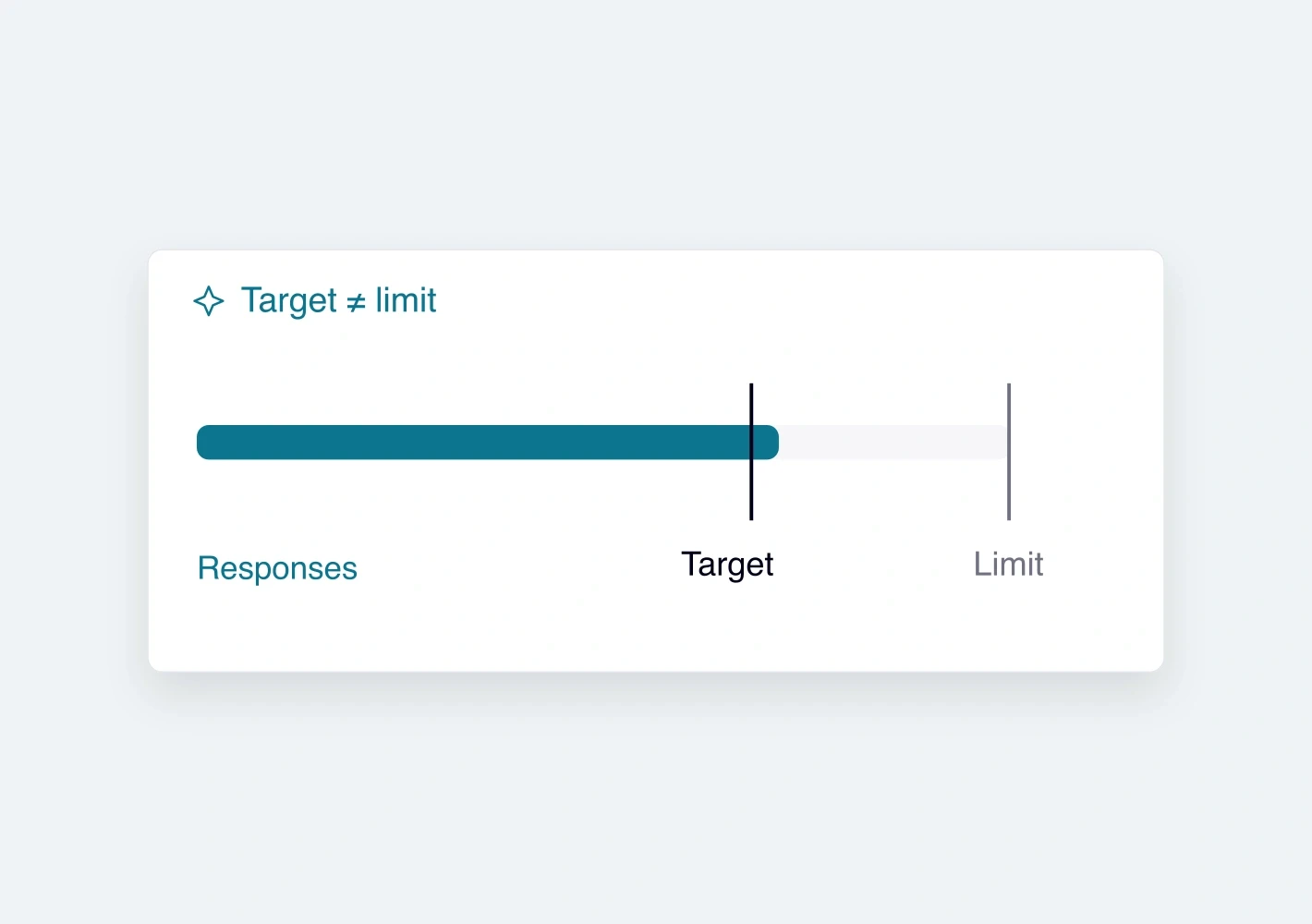
Separate targets from limits
Set the number you need and the maximum you will accept. A reached target and a closed quota are different things.
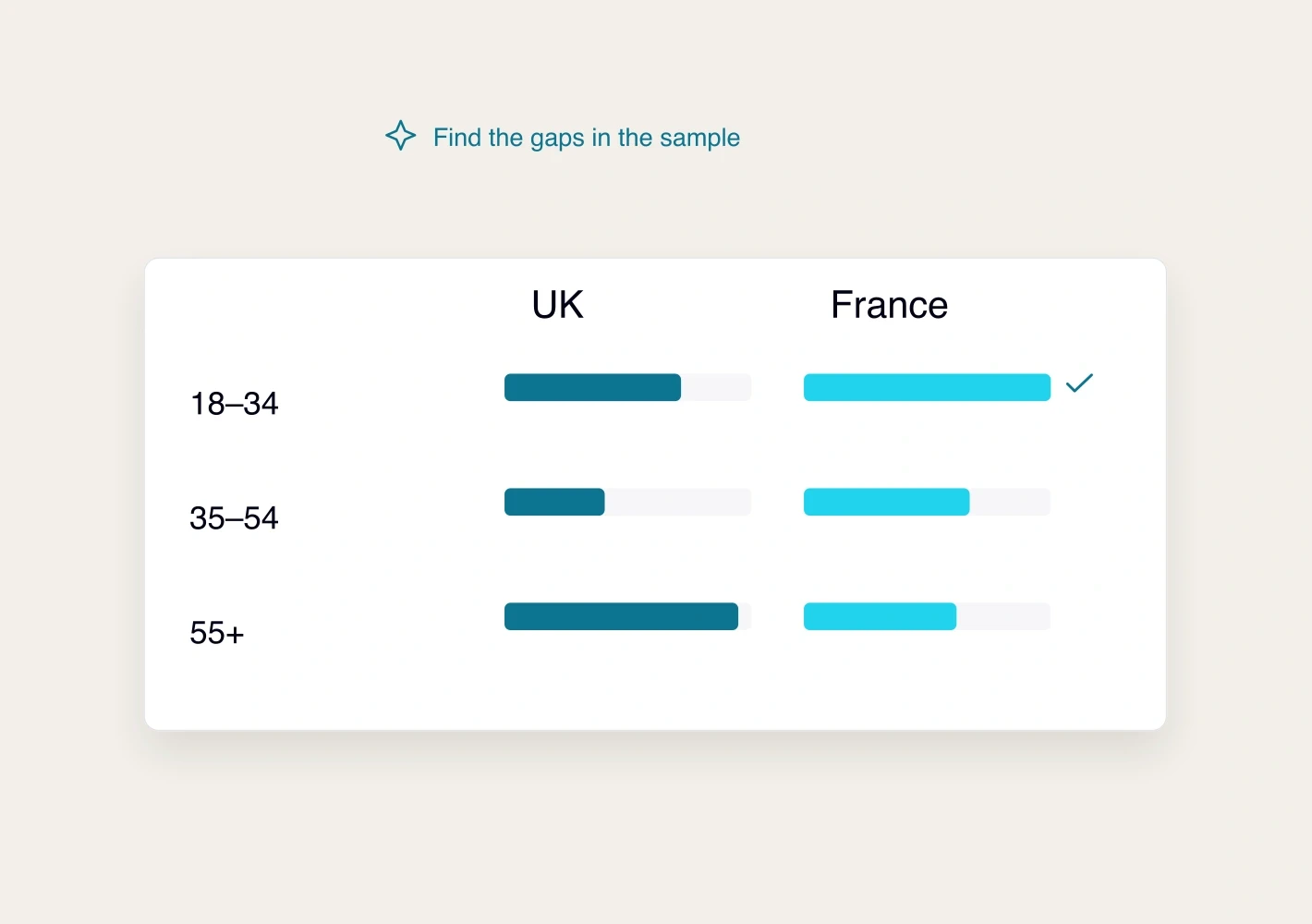
Build nested quotas
Cross screening questions or group options under one target. Check that the sample is feasible and follow each cell.
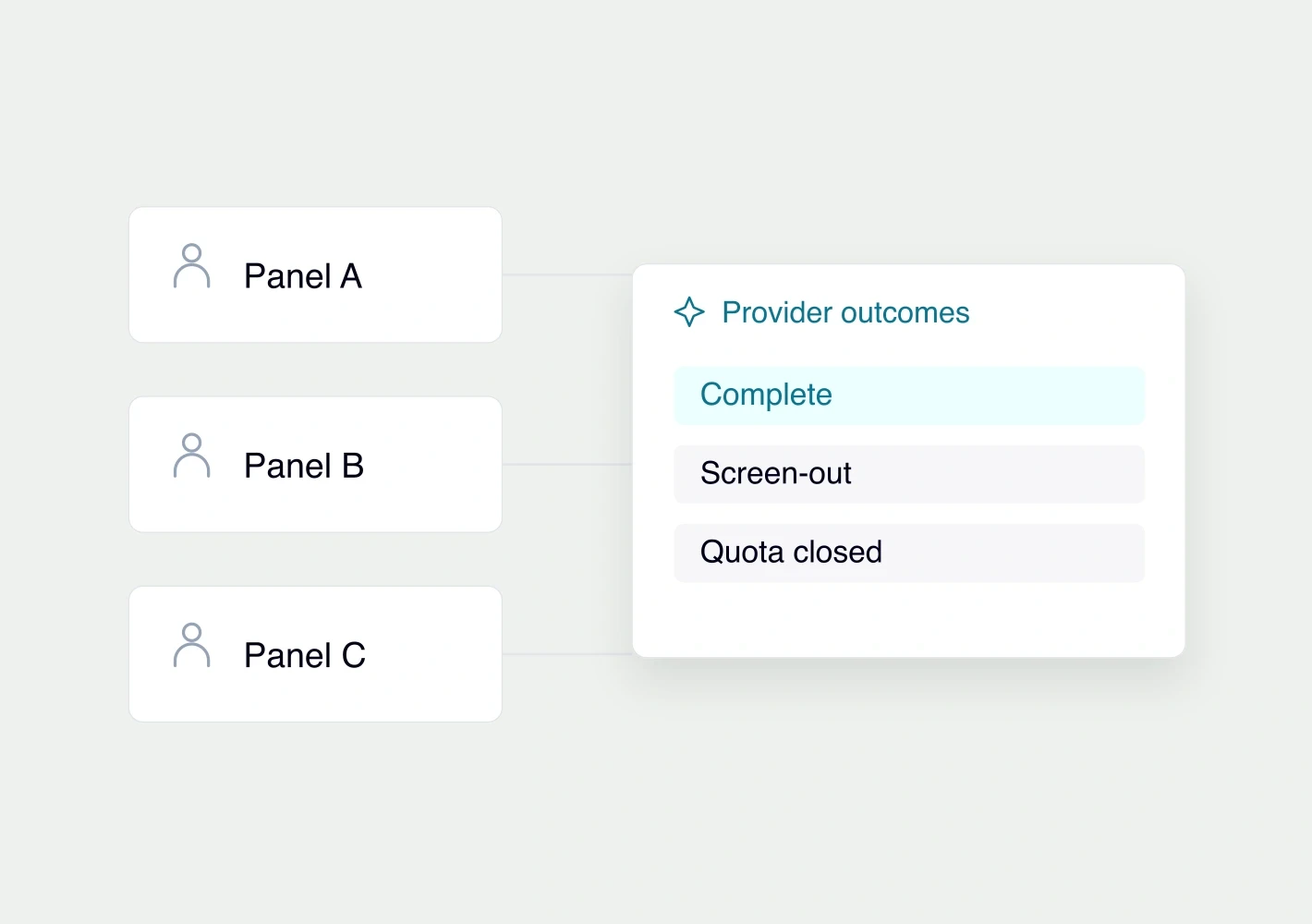
Track each provider’s outcomes
Keep completion, screen-out, quality stop and quota closure separate. Pass provider IDs through invite and return links.
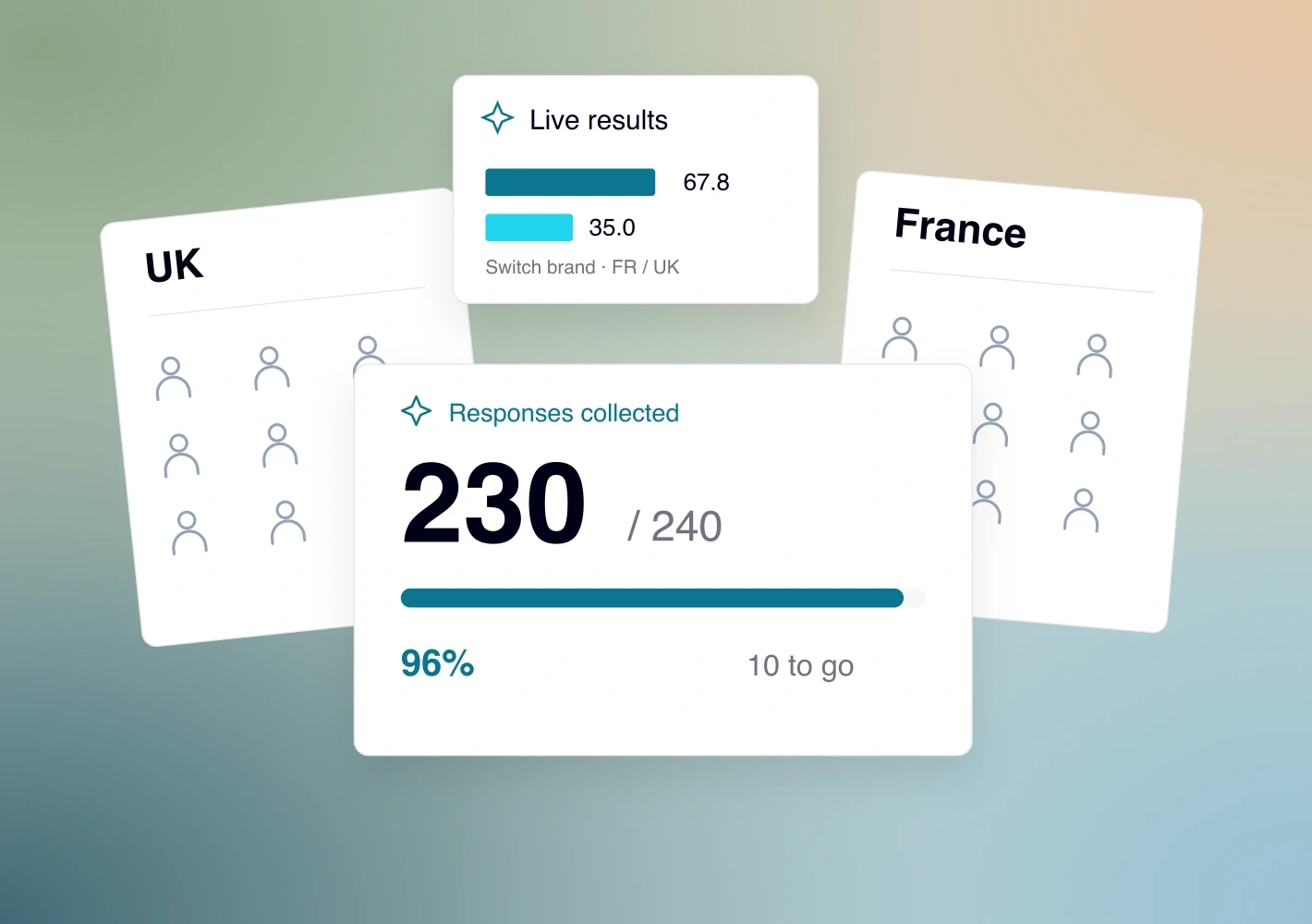
Inspect incoming answers
Move from fieldwork progress to live charts and individual responses. Check screening answers and quality signals.

Share progress with the right people
Create guest links with the access, expiry and provider scope you need. Check the link before sharing it.
See it with your study.
Request a demo