← Explore the platform
03 / QUALITY
Know which answers to trust.
Cleaning starts before the data arrives. Set your rules, read the flags and decide which responses belong in the analysis.
Request a demo
01
Set the rules before launch.
Choose Lenient, Strict or Custom. Set timing limits, behavior checks and rules for repeat answers from the same IP address.
02
Read the reason for a flag.
The AI judge checks whether answers make sense together. Review its explanation alongside timing and behavior signals.
03
Make the final call.
Open the full response. Exclude or restore completed responses, then check the data used for analysis.
TAKE A CLOSER LOOK
A few things worth a closer look.

Set quality rules early
Agree the policy before launch. Check the first responses against it while you can still fix problems in the field.

Check speed and behavior
Inspect timing and behavior signals. Set thresholds that fit the task and audience. A short response is a signal to review.
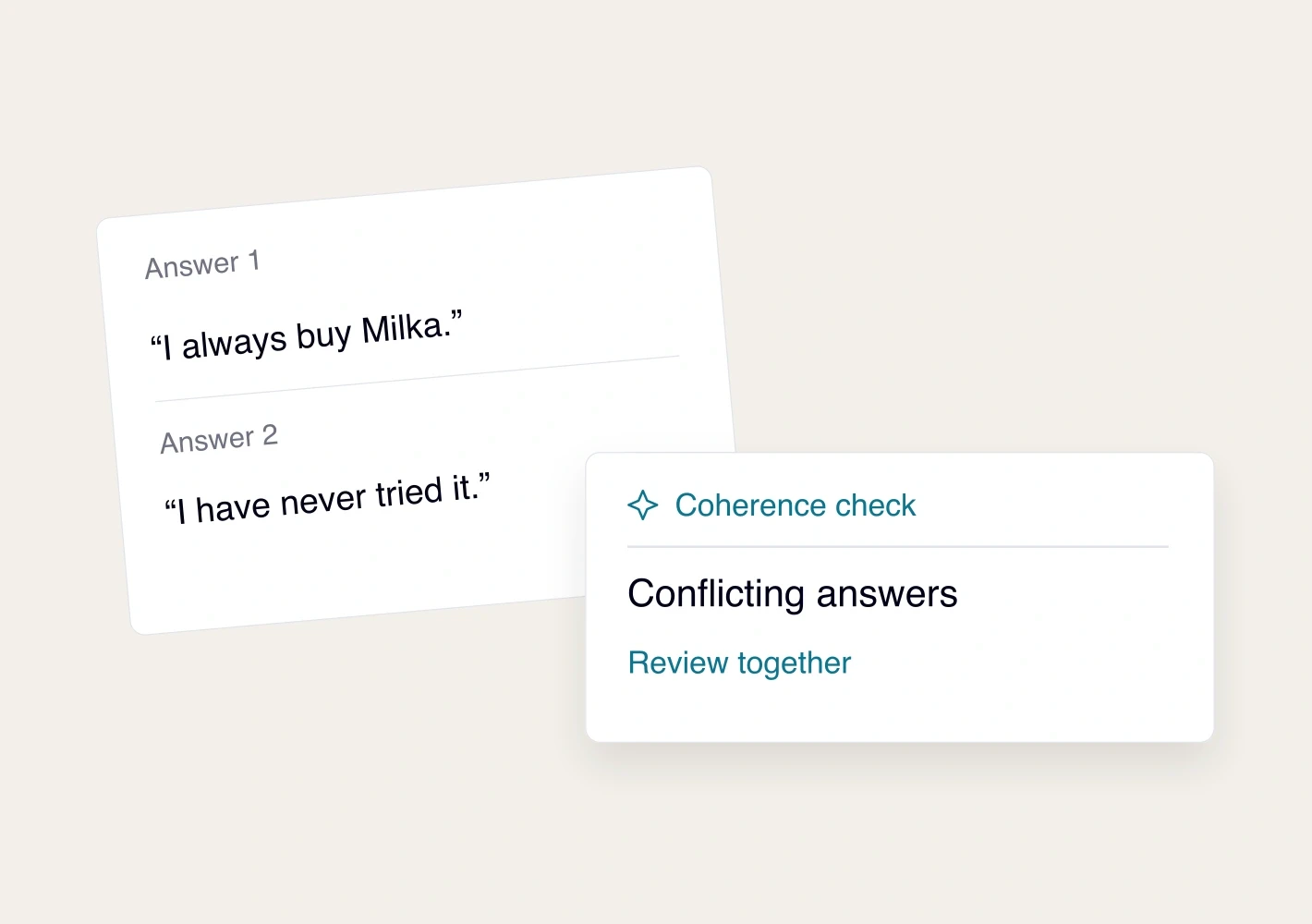
Check whether answers make sense
Enable answer checks and AI coherence reviews. Read the explanation and the answers before making a decision.
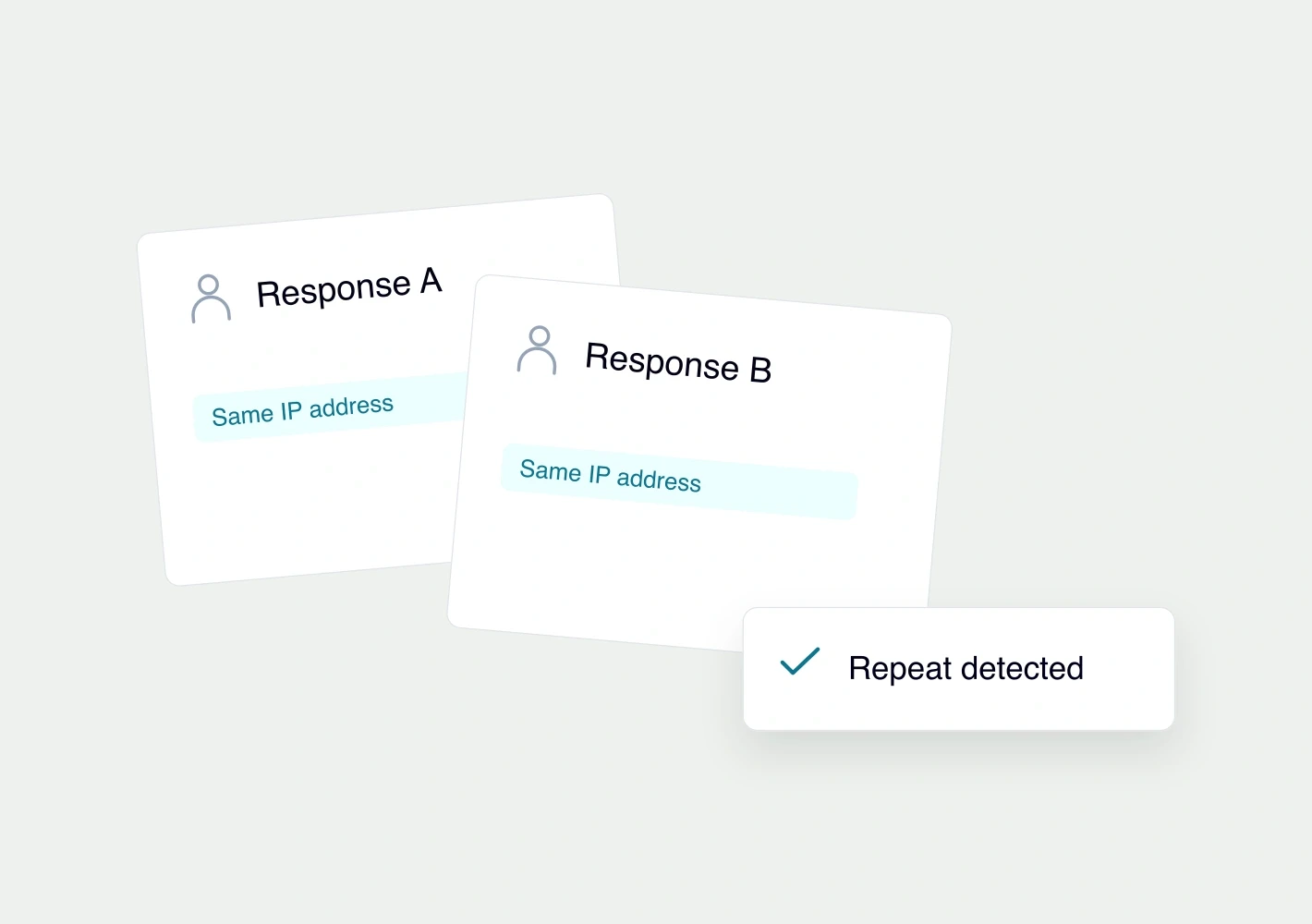
Control repeat IP addresses
Block repeat answers from one IP address when it fits your study. Account for people who may share a network.

Exclude or restore a response
Read the text or recorded answer. Exclude a completed respondent, record a reason and restore them if your decision changes.

Check who enters the analysis
Low-quality and excluded responses are left out. After a change, check the bases and weighting, then regenerate the results.
See it with your study.
Request a demo