← Explore the platform
01 / DESIGN
The brief changed. Start with the work you have.
Bring the brief and last wave’s questionnaire. Work with the assistant on what to keep, what to change and what to ask next.
Request a demo
01
Bring the work you already have.
Attach a brief or questionnaire. DeepField asks about missing details, then drafts the study from the brief you approve.
02
Talk through the questions.
Ask the assistant to change wording, add a matrix or follow up on an open answer. Review the questions as you go.
03
Revise one part at a time.
Tell the assistant which questions to change. Save a version, ask for feedback and return to an earlier version when needed.
TAKE A CLOSER LOOK
A few things worth a closer look.
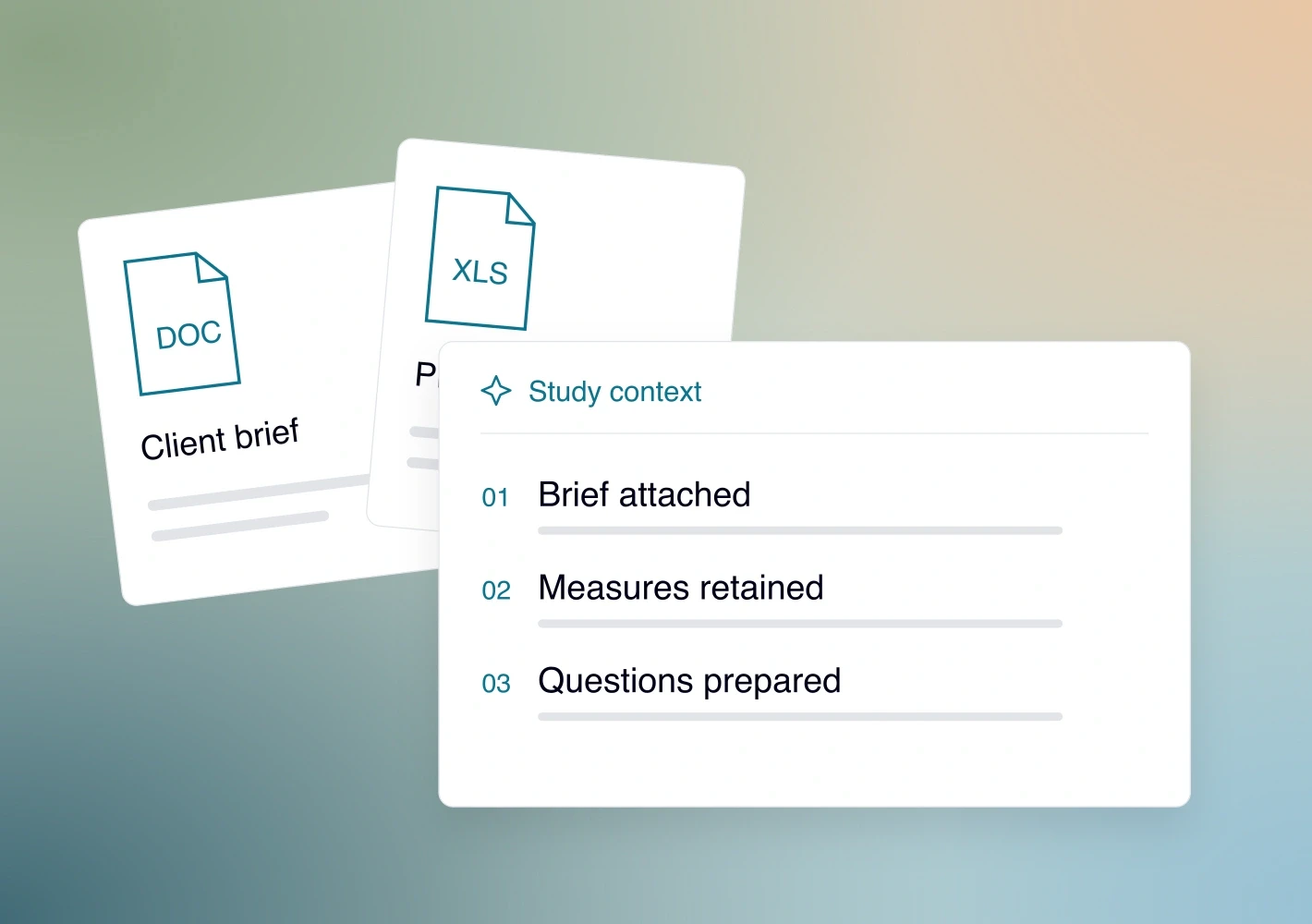
Start with your files
Upload the brief, questionnaire and reference files. Give the assistant the background once.
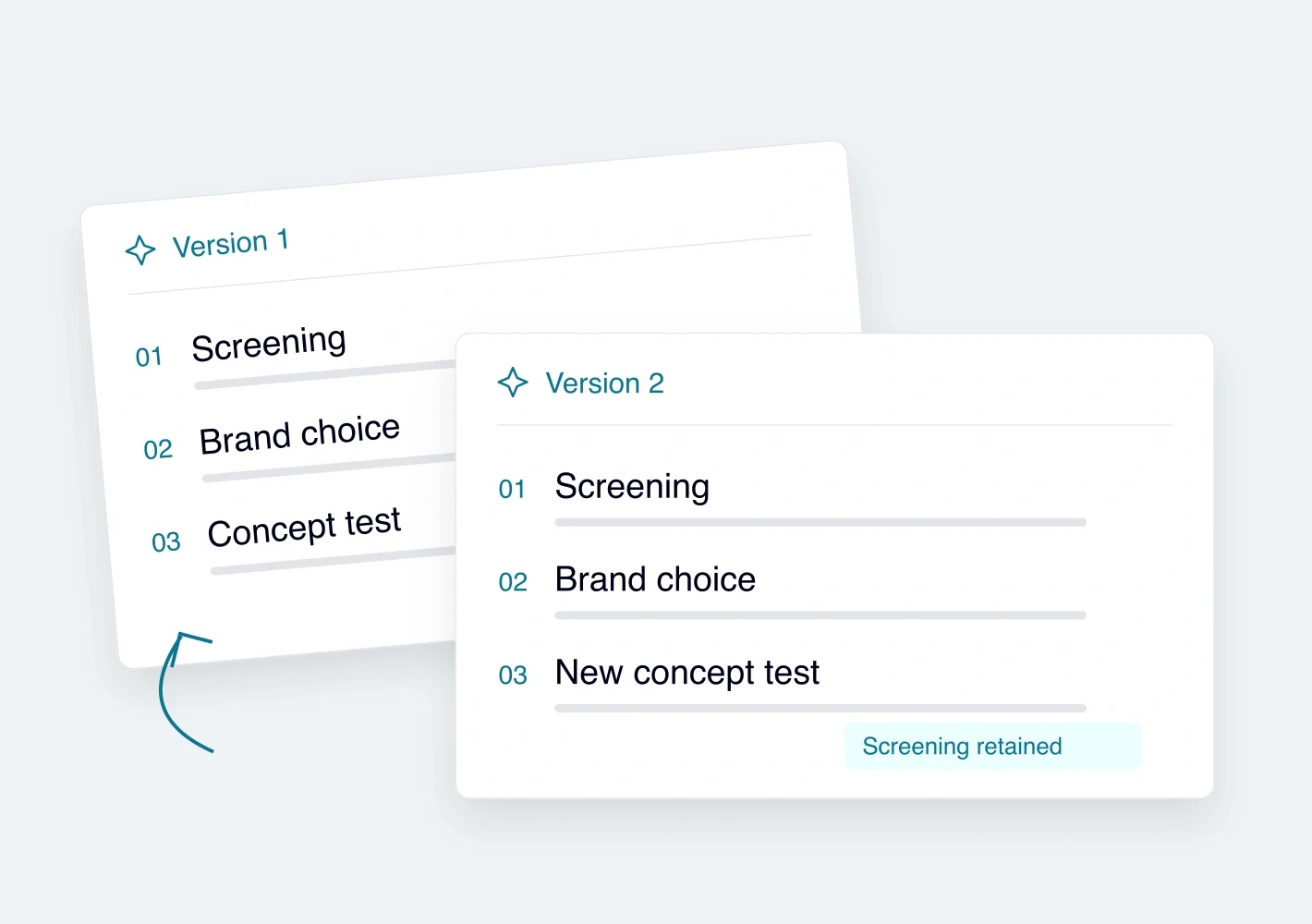
Reuse or adapt a questionnaire
Keep the old questionnaire when comparisons matter. Or tell the assistant what needs to change for the new study.
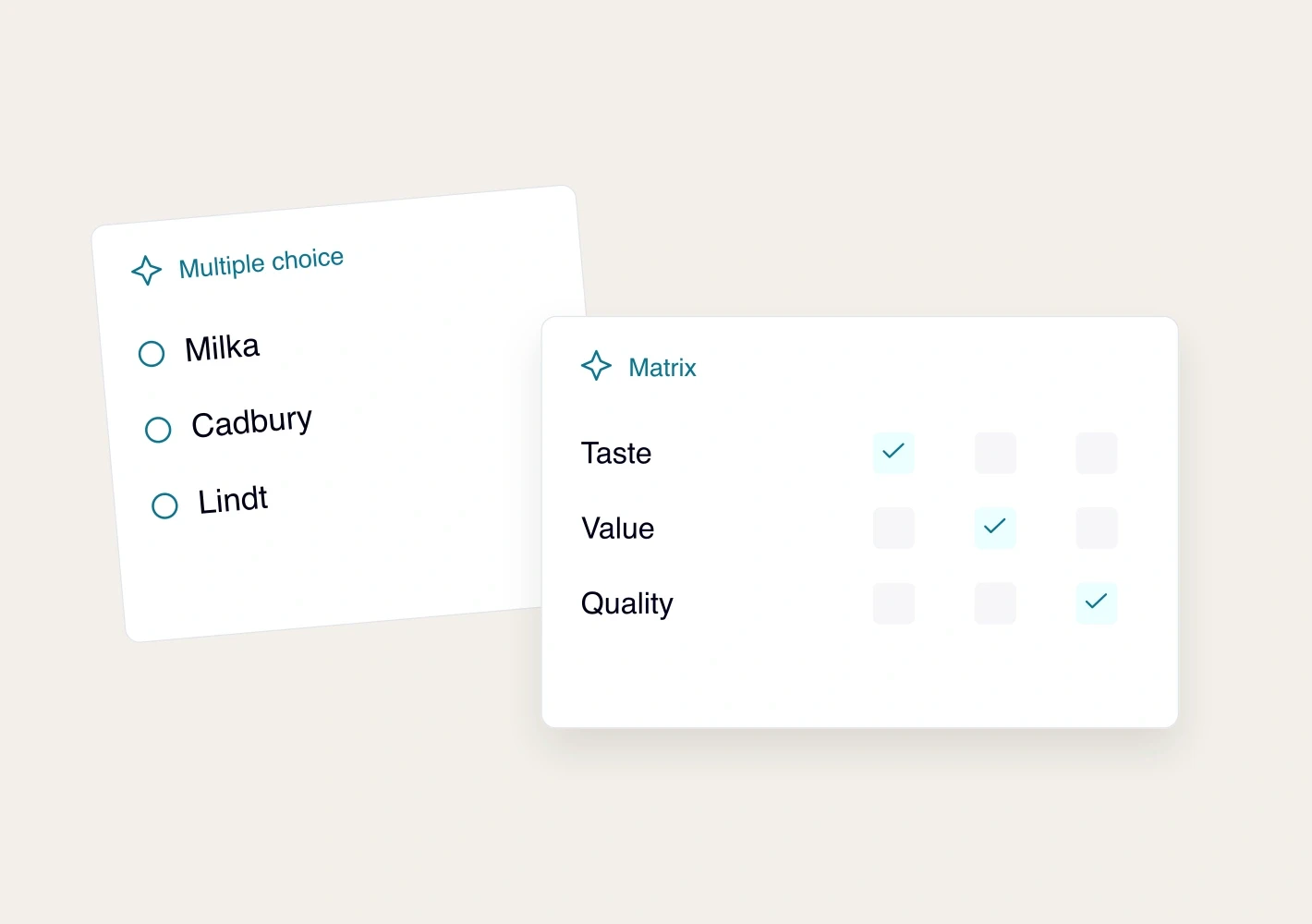
Choose the right question type
Use open answers, multiple choice, matrices, numbers, rankings, allocations or MaxDiff. Set the wording and answer rules.
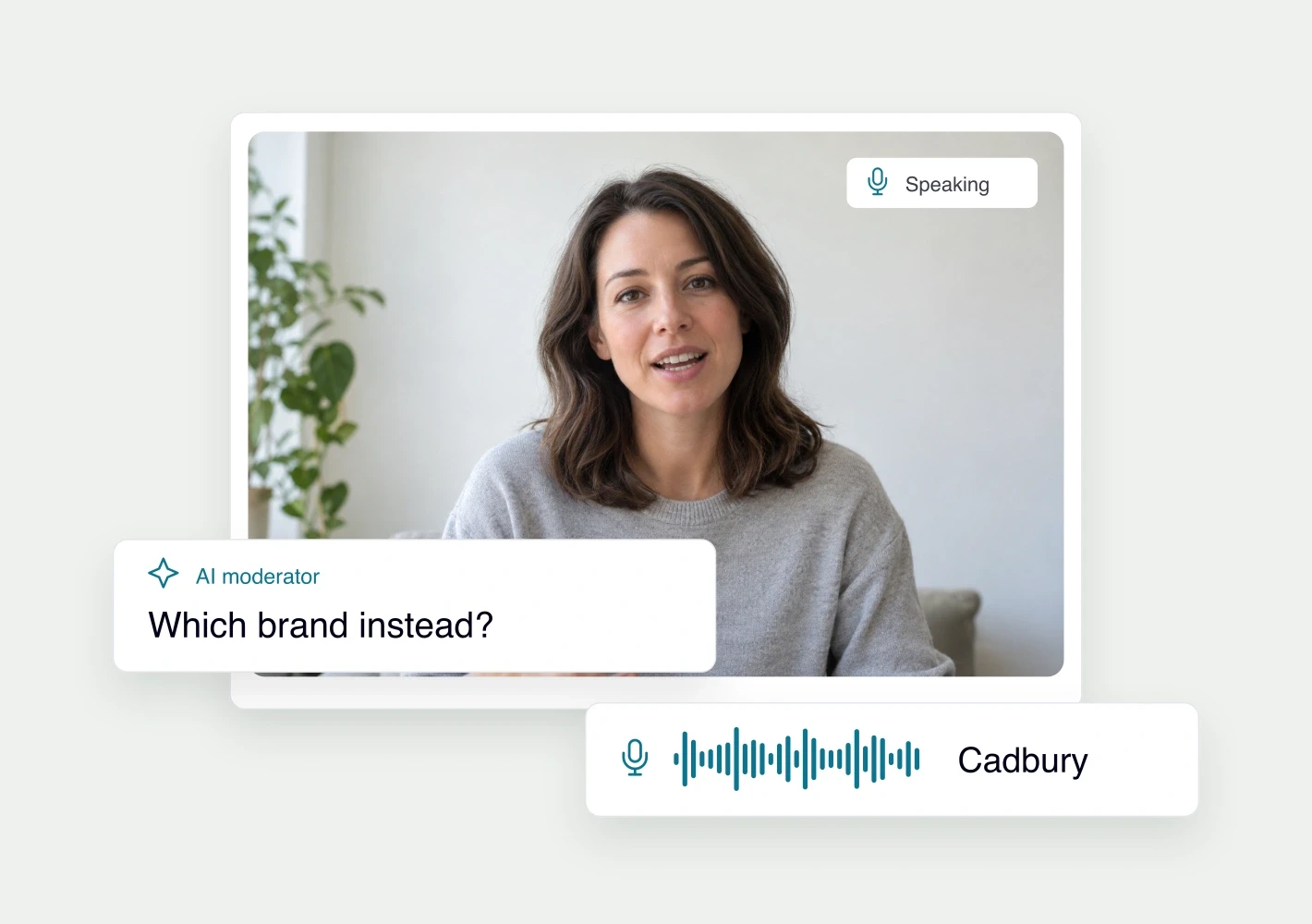
Follow up on open answers
Set a goal and up to five follow-up questions. Collect text, audio or video where enabled.
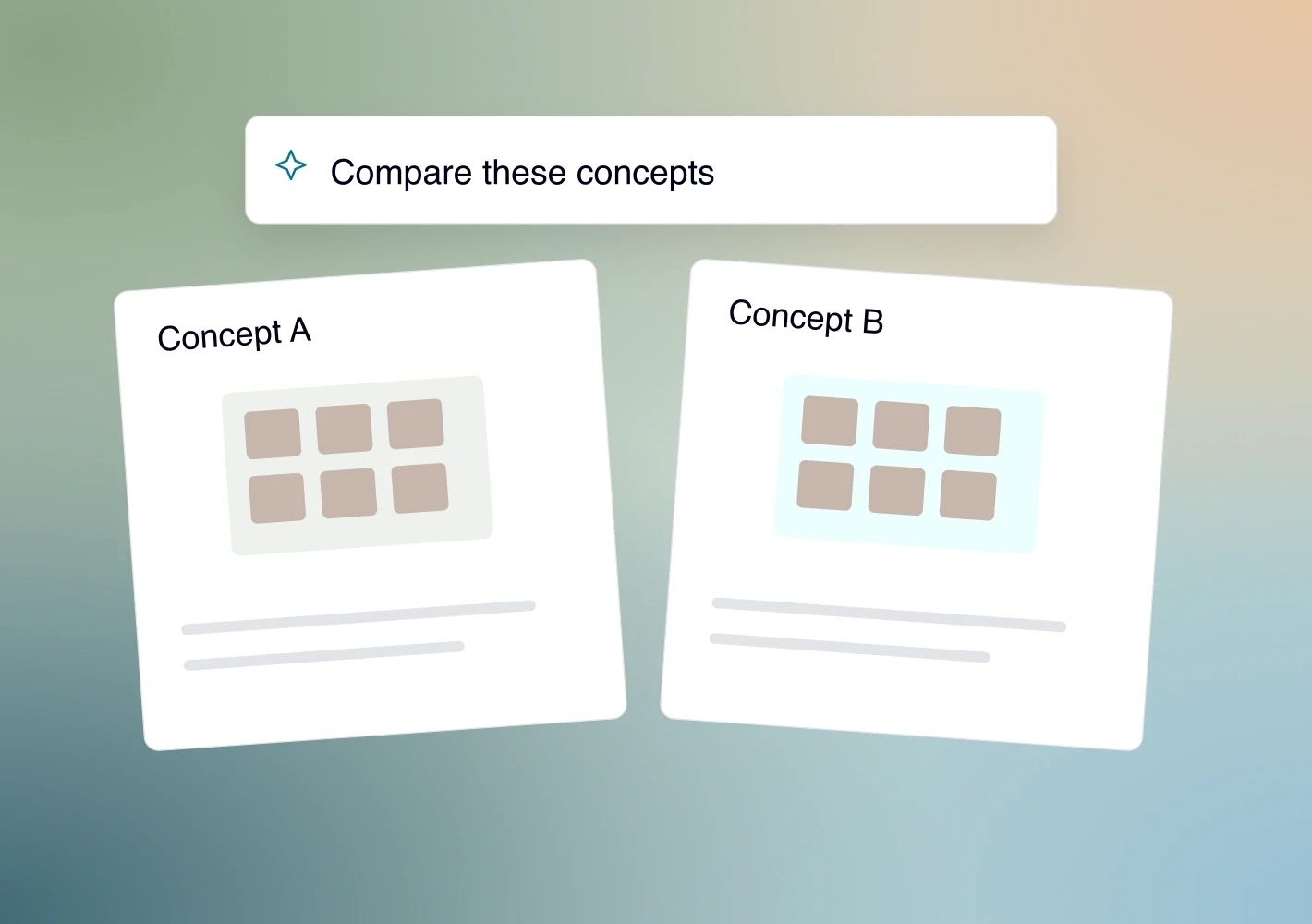
Show what people are reacting to
Add images, documents or videos to questions, options and concepts. Preview what participants will see.
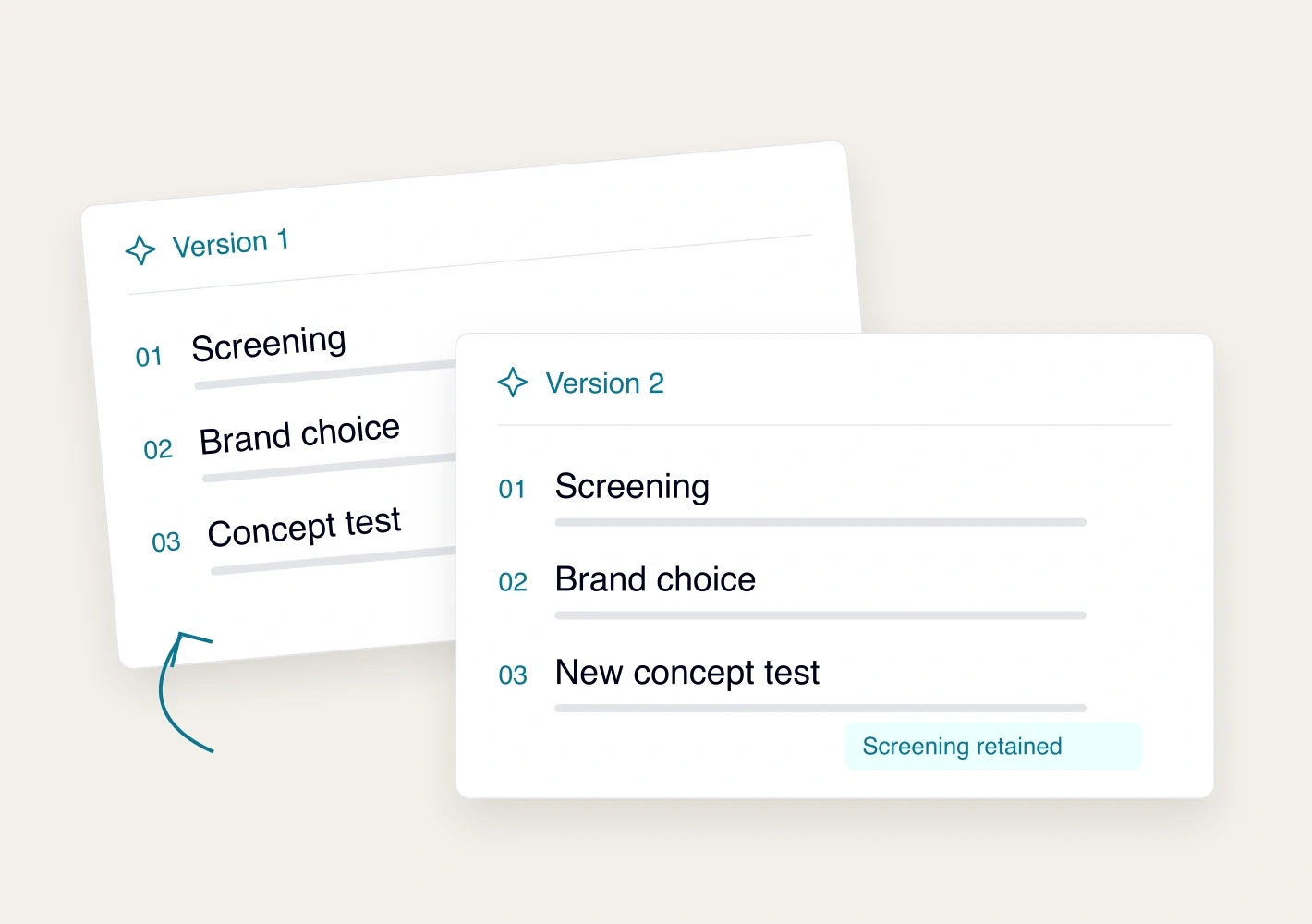
Go back to an earlier version
Save versions, compare changes and restore a questionnaire. Use direct edits and chat to keep improving it.
See it with your study.
Request a demo