← Explore the platform
02 / PROGRAM
Build the survey your study needs.
The client wants several concepts, different routes and a custom task. Build and test them in the same study.
Request a demo
01
Keep the rules in view.
Set who sees each question. Reuse earlier answers, repeat sections for concepts and check how people move through the survey.
02
Describe the task. AI builds it.
Ask the assistant for a custom question screen. It still saves a standard answer, so you can validate, analyze and export it.
03
Try it before people take it.
Test the question and the full survey. Review translations beside the original and see which text needs updating after a change.
TAKE A CLOSER LOOK
A few things worth a closer look.

Build and check routing
Combine AND/OR rules for questions, options and sections. Set forward jumps, screen-outs and early finishes.
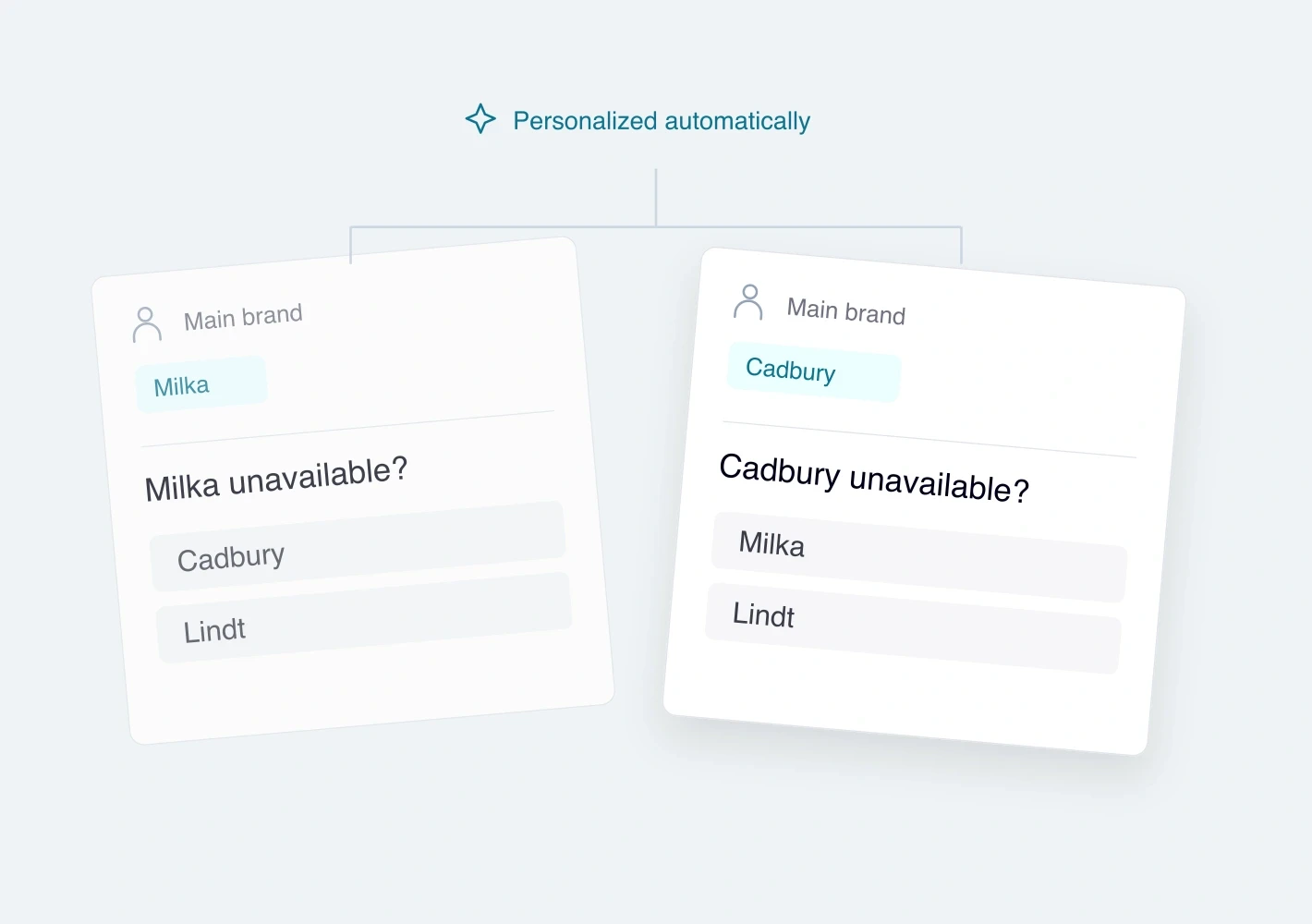
Reuse earlier answers
Pipe answers into later text or choices, including selected, unselected, ranked and numeric answers where supported. Test skipped answers too.

Create groups and calculations
Build categories with rules or calculate numeric variables. Test the inputs and inspect the values saved in Responses.
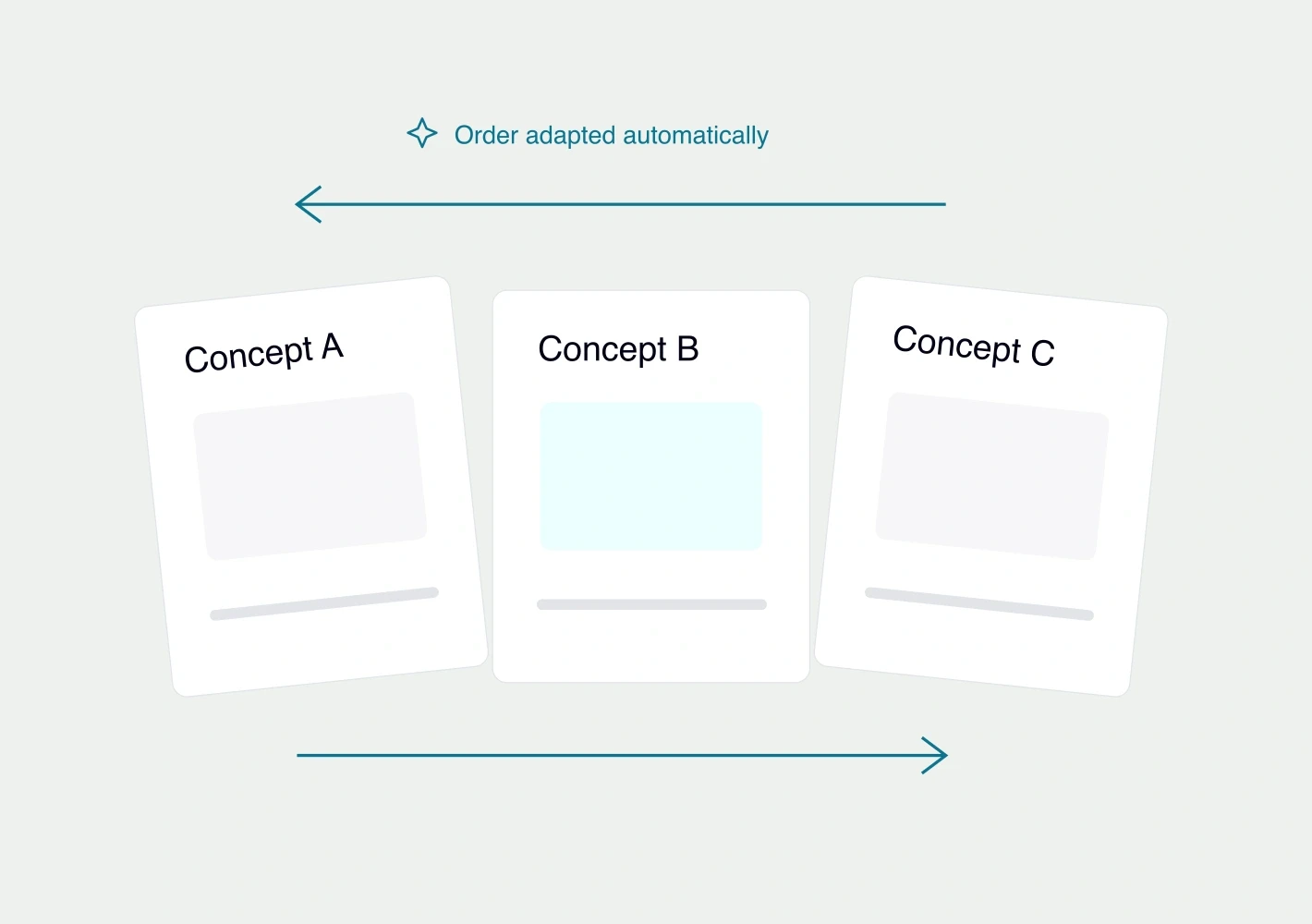
Repeat concepts and vary the order
Assign concepts, repeat sections and limit how many each person sees. Randomize options, rows, blocks or sections.
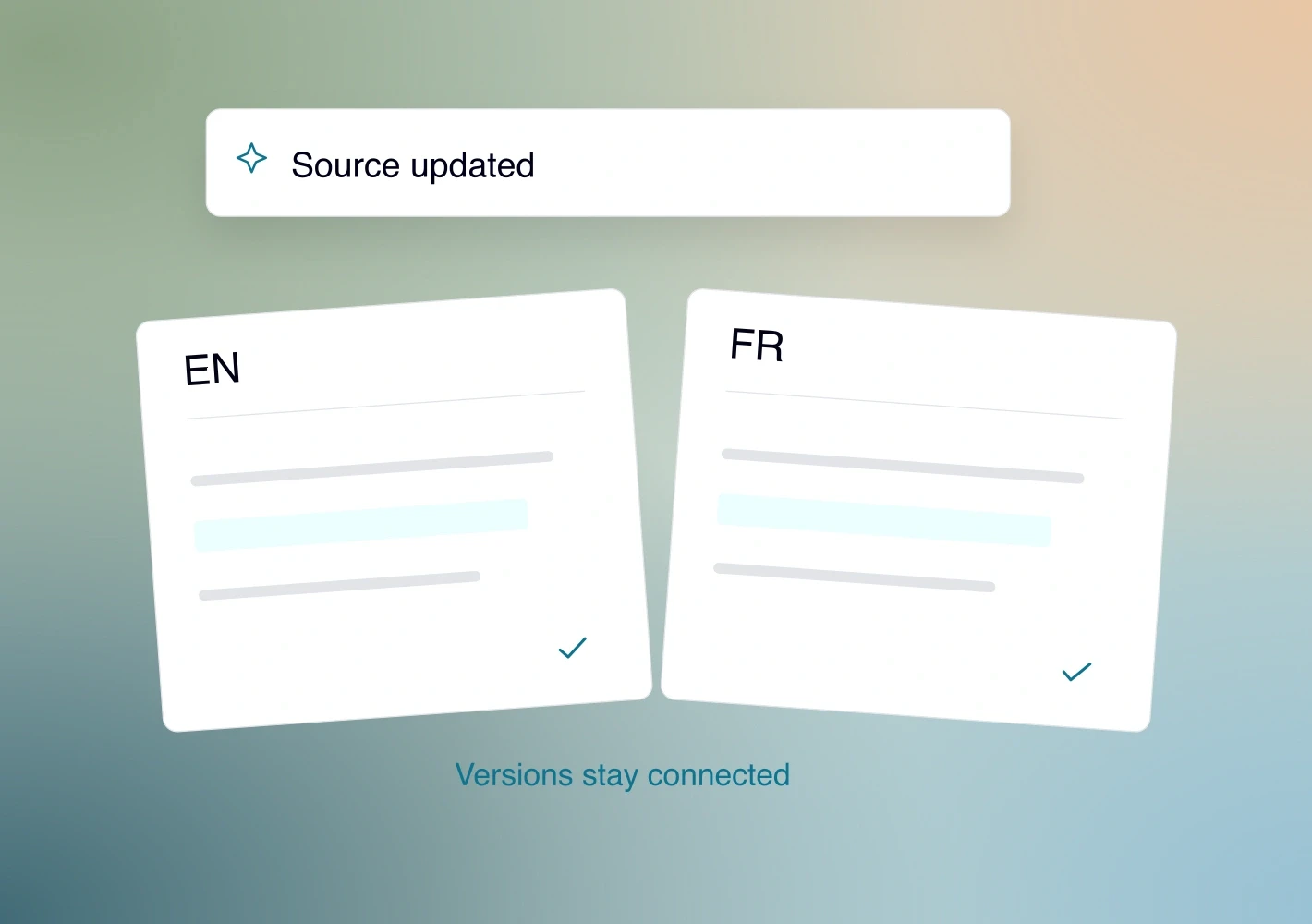
Keep translations up to date
Compare languages side by side. Source changes mark affected translations for review. Each language has its own version history.
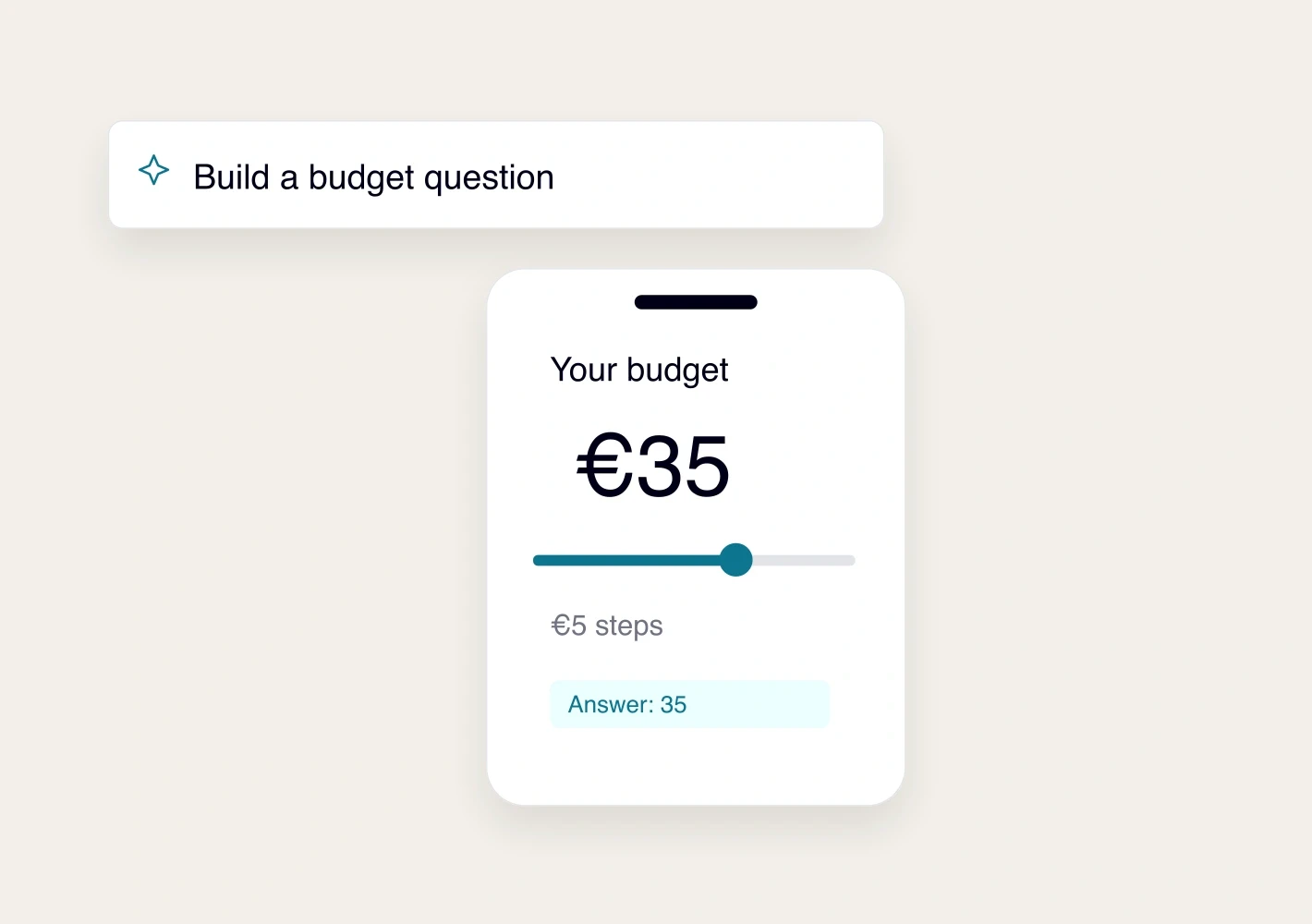
Build a custom question screen
Describe the interaction to the assistant. Preview it on mobile, check translations and verify the answer it saves.
See it with your study.
Request a demo